
Software-Downloads
Download the latest software for your devices here. It allows easy management and analysis of your measurements. Follow the brief instructions for a smooth installation. After installation, launch the program via the desktop icon or start menu and start using it immediately.
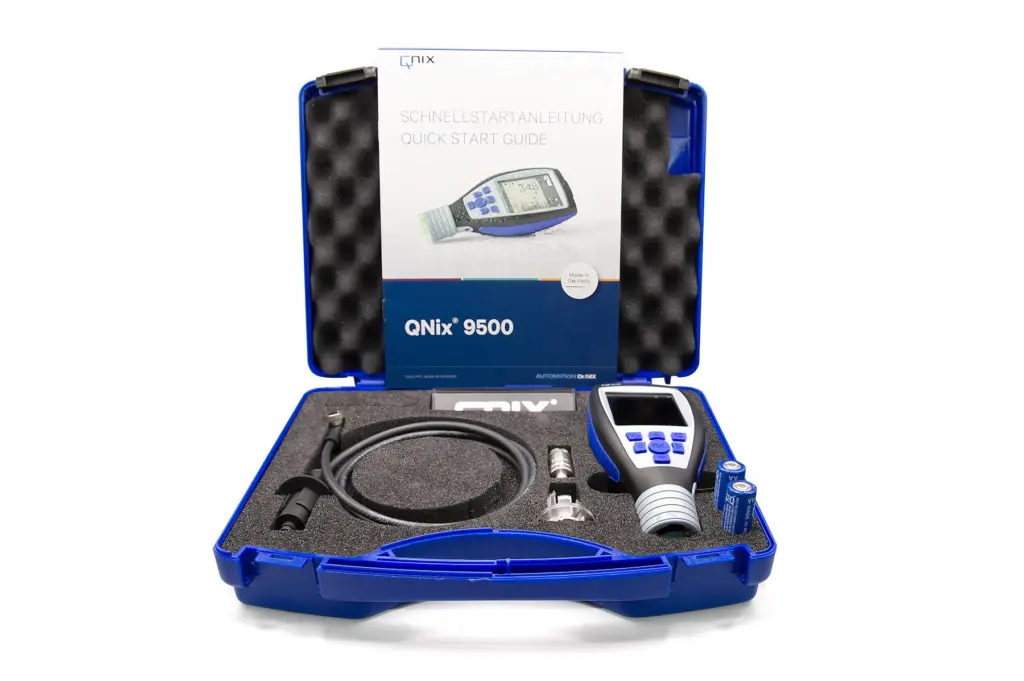
QNix® 9500 PC Software
Download the installer for the PC software here.
- Download File
- Extract (right-click → "Extract All") to a location of your choice.
- Start the setup file with a double-click and follow the instructions.
- For handheld devices: Connect the device via USB, copy the extracted files to the displayed drive, and replace existing files when prompted.
Note: If you have any further questions, please contact us at: info@automation.de